
Creating an AI Lab account
After subscribing to AI Lab, you will receive a confirmation email from no-reply@notification.circle.so. Click the link in that email, which will direct you to Circle, the platform where the membership is hosted.
To create your account:
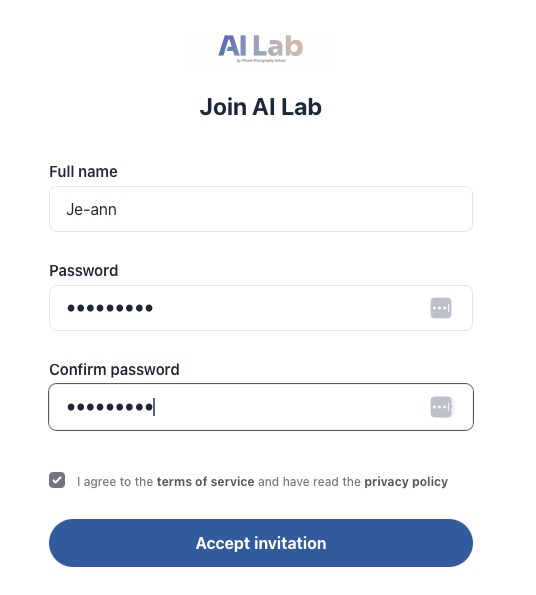
- On the Circle signup page, enter your name and create a password. Click Accept invitation.
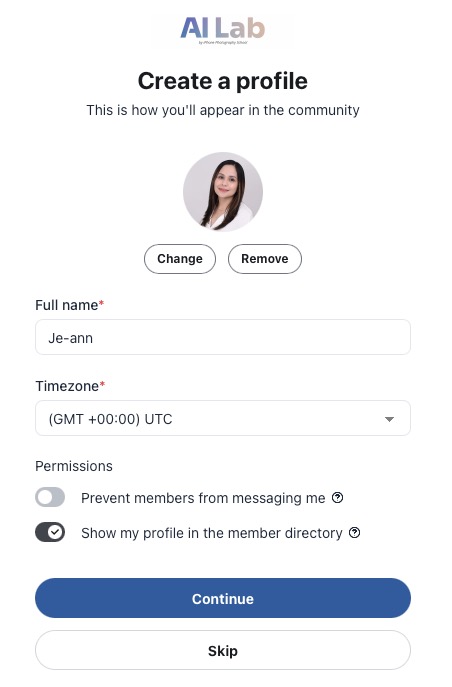
- Upload your profile photo and adjust permissions. Click Continue.
Once your account is created, you can log in anytime to access AI Lab and all available content.
If you receive an error message, go back to the confirmation email and click Accept Invitation.
If you did not receive the confirmation email, check your spam or junk folder. If you still need help, contact us at ailab@iphonephotographyschool.com.